Move tasks in and out of AperioFlow as CSV files that open in Excel, Numbers or Google Sheets.
Export a project to CSV
On a project page choose Export CSV. Anyone who can read the project can export it.
The file has one row per task and per subtask, in the project's order, with the columns Key, Type, Phase, Section, Name, Status, Priority, Owner, Start, Due, Labels, Description (Type is task or subtask). It is UTF-8 with a byte-order mark so Excel reads accents correctly. A cell that starts with =, +, - or @ gets an apostrophe in front so a spreadsheet keeps it as text.
A project with more than 50,000 rows cannot be exported in one file: export part of it, or read it through the API.
Import tasks from a CSV file
Admins and owners can import tasks into a build phase.
- On the project page choose Import CSV (the project needs at least one build phase).
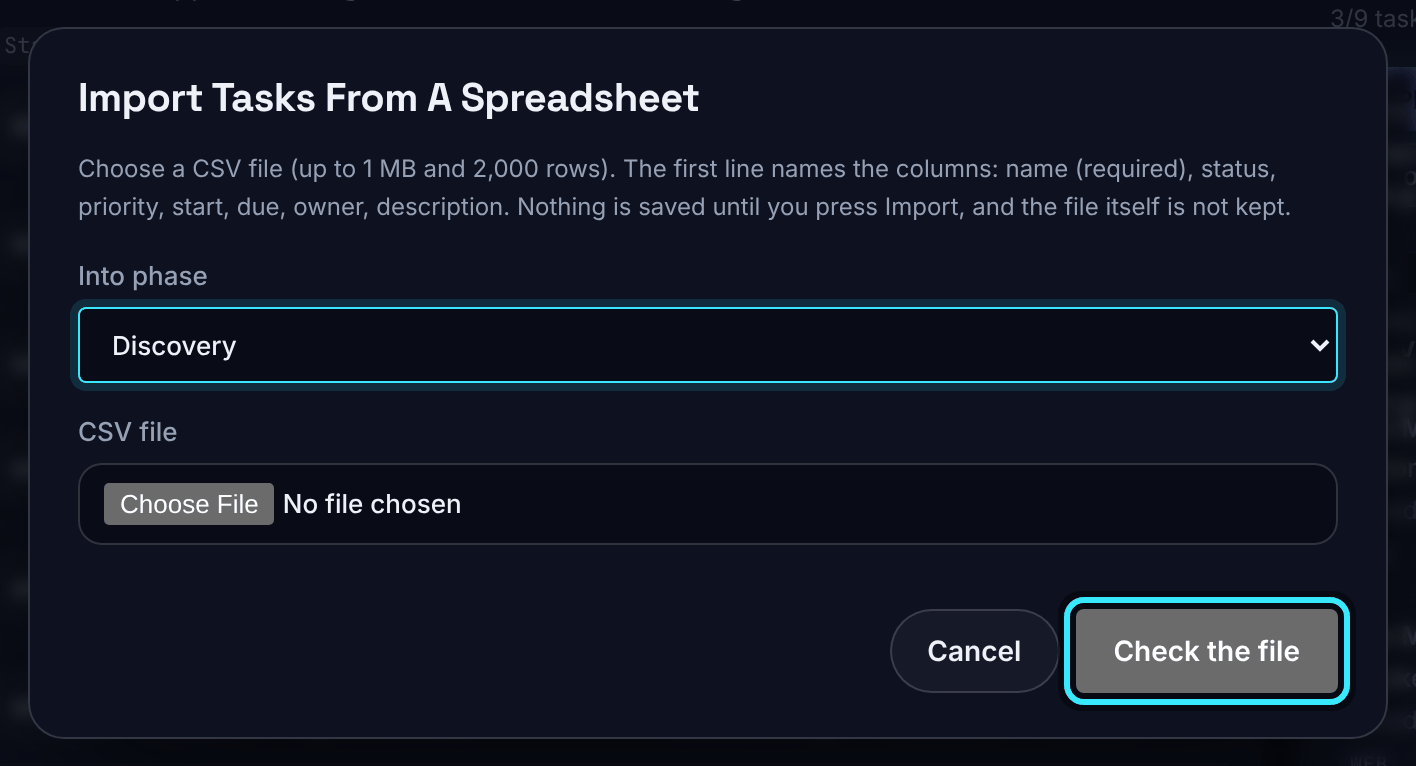
- Choose the phase under Into phase and pick the CSV file (up to 1 MB and 2,000 rows).
- Choose Check the file. Nothing is saved yet. You see either "The file is fine" with the first 20 tasks, or "The file has problems. Nothing has been imported." with each problem by row and column.
- Choose Import (with the number of tasks). All the tasks are made, or none are.
The file itself is not kept. One import can run at a time in an organisation, and up to 10 files can be imported an hour.
Columns you can import
The first line names the columns, in any order. Names ignore case, and spaces or hyphens count as underscores.
| Column | Value |
|---|---|
| name | Required |
| status | todo, in_progress, blocked, done or cancelled ("To do", "In progress" and "Canceled" are understood too) |
| priority | low, medium, high or critical |
| start (or start_date) | A date as YYYY-MM-DD |
| due (or due_date) | A date as YYYY-MM-DD |
| owner | A member's email address or name; it must match exactly one member |
| description | Any text |
The export's own extra columns (Key, Type, Phase, Section and Labels) are accepted and ignored, and subtask rows are skipped, so an exported file can be imported again as tasks. Any other column is an error. Labels, subtasks and repeats are not imported. An owner who is not a member, or a name that matches two members, is an error: use their email address.